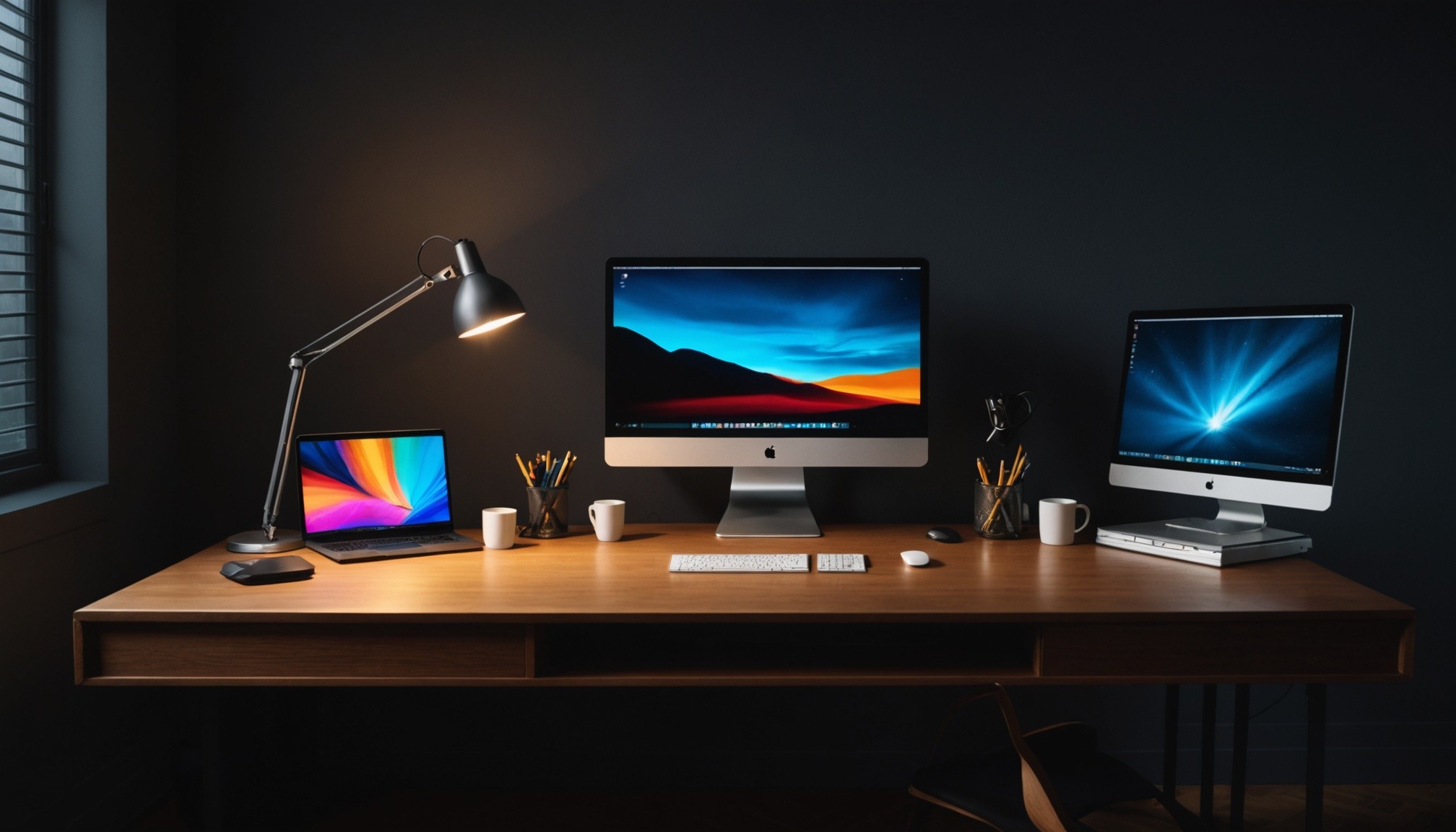
A free, open-source application allows users to share a single keyboard and mouse across Windows, macOS and Linux computers without hardware KVM switches. Developed by mist-8659, the software enables seamless control of multiple systems using network-based communication, offering clipboard sharing, automatic focus switching and cross-platform compatibility under the permissive MIT License.
How the software works
The application operates on a server-client model. The server runs on the machine connected to the physical keyboard and mouse, while clients are installed on remote computers. Users configure screen layouts visually to match their physical monitor arrangement. Moving the cursor to a screen edge switches control to the adjacent computer, mimicking a multi-monitor setup across separate machines. Keyboard input follows the active screen automatically.
Clipboard sharing is supported, though with limitations on certain Linux desktop environments, particularly Wayland. The tool requires no online accounts, telemetry or cloud services—communication stays within the local network. Each participating device must run the software, and connections depend on correct IP configuration, matching screen names and firewall permissions.
Setup and compatibility
Users can download version 4.4.1 from the GitHub releases page as a ZIP archive. On Windows, two files—Windows Mouse & Keyboard Sharing KVM 4.4.1.exe and libvlc.dll—must remain in the same folder. The interface supports both server and client roles on Windows, macOS and Linux. FreeBSD support exists where compatible builds are available.
The setup process is graphical, avoiding command-line tools. On the main PC, users select ‘Server’ mode and add clients by name and network address. Clients connect by entering the server’s IP and matching their assigned screen name. Troubleshooting tips include checking Scroll Lock (which may block switching), verifying network reachability and ensuring firewall rules allow the connection.
Use cases and limitations
The software benefits developers managing test and production environments, IT administrators overseeing multiple workstations, remote workers juggling personal and corporate devices, and content creators using specialised machines for different tasks. It eliminates the need for physical KVM hardware and manual switching.
However, it does not stream displays or replicate full remote desktop functionality. It only shares input—each computer continues running independently. Clipboard support varies, especially on Linux Wayland, where input isolation mechanisms may interfere. There is no encryption described in the documentation, so use on untrusted networks is not advised.
What it means
For businesses and professionals in the UK, UAE, US and Kazakhstan, this tool offers a low-cost, transparent way to streamline multi-computer workflows. Its open-source nature allows inspection and modification, reducing vendor lock-in and enhancing trust. Organisations can deploy it across trusted internal networks without licensing fees.
Still, enterprises should assess network security implications. While the software avoids telemetry, it assumes a trusted local environment. Exposing it to public networks could allow interception of keystrokes. System administrators should isolate such services behind firewalls and ensure endpoint security.
The project welcomes contributions, particularly in improving clipboard sync, Wayland compatibility and connection diagnostics. With active community input, it could become a viable alternative to commercial tools like Synergy or Barrier.
Organisations relying on multi-OS environments can now reduce hardware dependencies and improve workflow fluidity—provided they maintain strict network hygiene and treat each connected machine as a potential attack surface.